 FontQuill
Instagram fonts
Type your name or bio line and copy it in Instagram fonts that work in your profile, captions and comments: bold script, small caps, sparkles, hearts and 29 more styles. Free, nothing to install. Making Reels covers or post graphics instead? The second tool draws a real font for Canva and Photoshop.
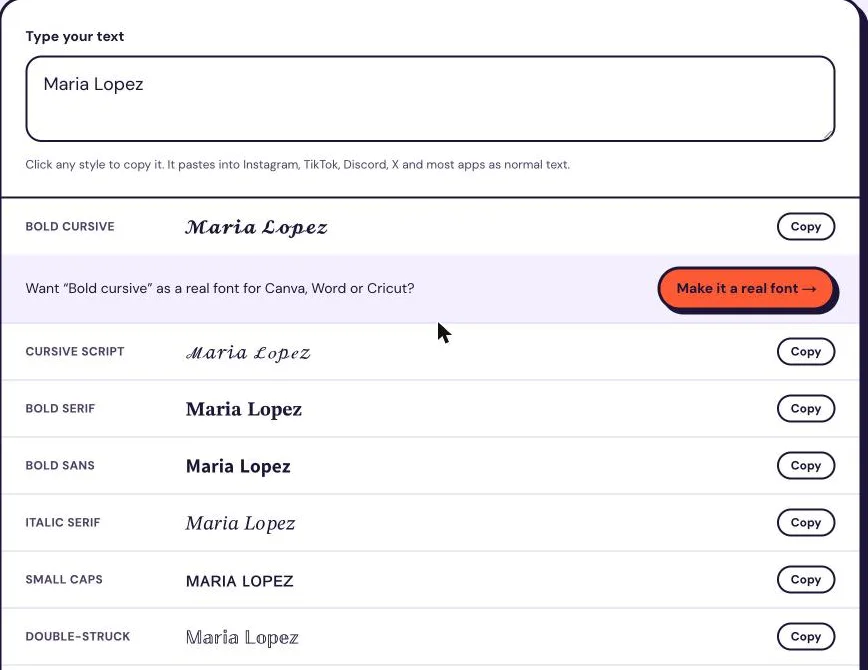
Click any style to copy it. It pastes into Instagram, TikTok, Discord, X and most apps as normal text. Each style shows how many characters it uses, counted the way web text fields count them. Most fancy styles use 2 per letter.
Instagram fonts tested: what fits in your bio
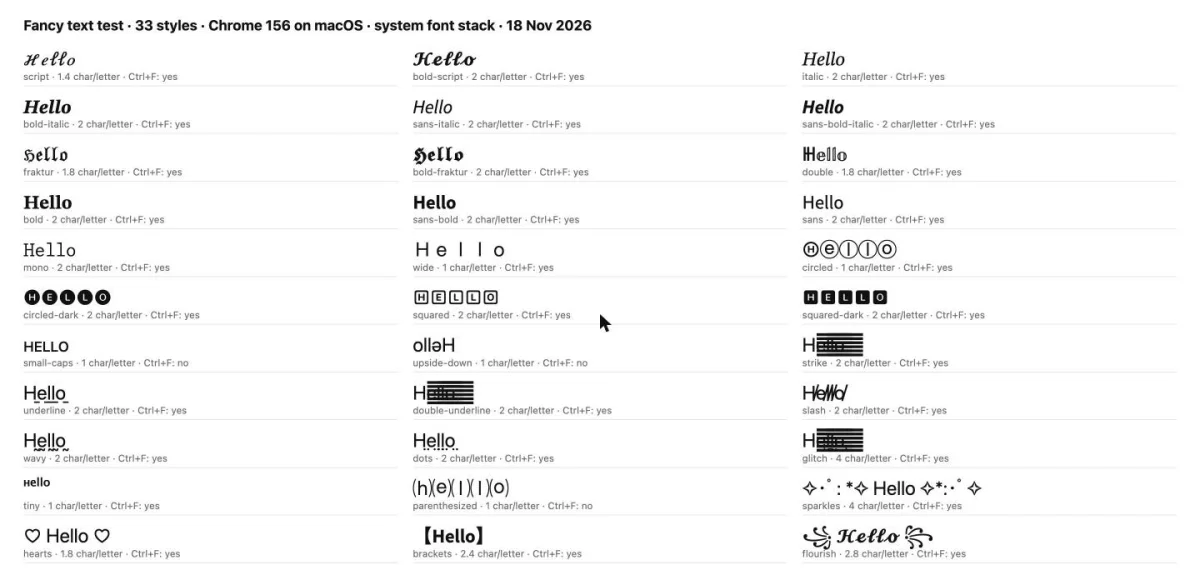
Instagram bios stop at 150 characters, so we measured what each Instagram font really costs, and checked search and display on the same test setup.
Tested on 18 November 2026 in Chrome 156 on macOS with the system font, using the name “Maria Lopez” and the word “hello”.
2×
Most styles cost 2 characters per letter
Text fields count both halves of these characters. “Maria Lopez” is 11 characters in plain letters, 21 in bold script and 41 in glitch text. Wide, circled, small caps and tiny text cost only 1 per letter.
30/33
Browser search still finds them
Chrome’s find in page (Ctrl+F) matched 30 of the 33 styles when we searched for “hello”. It missed small caps, upside-down and ⒜ letters, which are different characters rather than look-alikes.
3/6
Line styles depend on the font
With the macOS system font, strikethrough, double underline and glitch merged into a solid bar after the first letter, while underline, wavy and dotted lines displayed correctly.
Exact
Exact lookups do not match
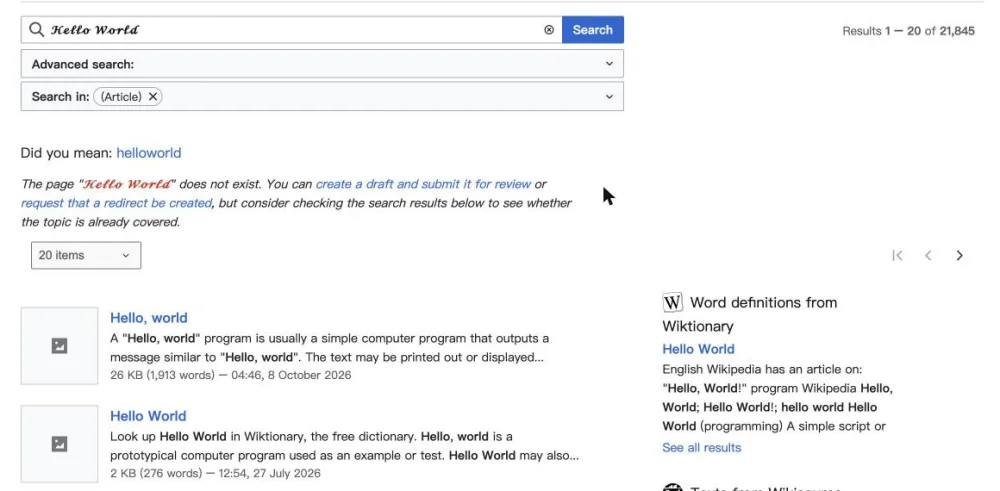
Wikipedia’s search turned “𝓗𝓮𝓵𝓵𝓸 𝓦𝓸𝓻𝓵𝓭” into 21,845 normal results, but its exact page lookup found no page with that title. Hashtags and @usernames work like exact lookups, so keep them in plain letters.
| Style | Example | Characters per letter | “Maria Lopez” costs | Found with Ctrl+F | Displayed correctly (system font) |
|---|---|---|---|---|---|
| Bold cursive | 𝓗𝓮𝓵𝓵𝓸 | 2 | 21 | Yes | Yes |
| Bold serif | 𝐇𝐞𝐥𝐥𝐨 | 2 | 21 | Yes | Yes |
| Bold sans | 𝗛𝗲𝗹𝗹𝗼 | 2 | 21 | Yes | Yes |
| Small caps | ʜᴇʟʟᴏ | 1 | 11 | No | Yes |
| Tiny text | ᴴᵉˡˡᵒ | 1 | 11 | Yes | Yes |
| Sparkles | ✧・゚: *✧ Hello ✧*:・゚✧ | 4 | 26 | Yes | Yes |
| Hearts | ♡ Hello ♡ | 1.8 | 15 | Yes | Yes |
| Strikethrough | H̶e̶l̶l̶o̶ | 2 | 21 | Yes | No |
What we recommend, scenario by scenario
Name line in your bio
Bold script turns an 11-character name into 21 characters, leaving 129 of 150 for the rest of the bio. Sparkles add 15 characters of frame, so use them on one short line only.
Hashtags and your @username
Both work like exact lookups, and in our test exact lookups did not match fancy letters. Type hashtags and usernames in plain letters; Instagram usernames accept only letters, numbers, periods and underscores anyway.
Captions people should read
Strikethrough broke into a bar with the system font in our test. Use bold or bold sans for a caption hook and keep the rest of the caption plain.
Need the same look in your post graphics?
Copied Instagram fonts work in bios and captions, not in Canva, Photoshop or CapCut. Describe your brand style below and FontQuill draws an installable TTF and OTF font. Free preview with your 150 sign-up credits.
Free account includes 150 credits: enough to make and preview your first font. Credits come back if a font fails.
Real results: a description in, a font out
Each font below was made from the one-line description on its card, a style preset in the tool. Nothing was retouched: the text is set in the generated font files.
The quick brown fox
ABCDEFGHIJKLM NOPQRSTUVWXYZ
abcdefghijklm nopqrstuvwxyz
0123456789 &?!
The quick brown fox
ABCDEFGHIJKLM NOPQRSTUVWXYZ
abcdefghijklm nopqrstuvwxyz
0123456789 &?!
The quick brown fox
ABCDEFGHIJKLM NOPQRSTUVWXYZ
abcdefghijklm nopqrstuvwxyz
0123456789 &?!
The quick brown fox
ABCDEFGHIJKLM NOPQRSTUVWXYZ
abcdefghijklm nopqrstuvwxyz
0123456789 &?!
How to use these Instagram fonts
Type a name, a bio line or a caption into the box. The 14 Instagram fonts that look best on a profile appear first, and "More styles" opens 19 more. Tap a row to copy it, open Instagram, go to Edit profile and paste the text into your bio, or paste it into a caption or comment while you post. It works the same in the app on iPhone and Android and on instagram.com. Nothing you type is uploaded: these IG fonts are created in your browser, so you can try as many versions as you like. Then pick one or two styles, not ten, so the profile still looks clean.
Instagram fonts for your name and bio
Your bio is the best place for Instagram fonts: it has room for 150 characters, people read it right under your photo, and fancy letters there do not affect how you are found. Be careful with the Name field. Instagram search matches the name and the username, and may treat fancy letters as different characters (exact lookups did in our test), so a name written only in script may not show up when people type it. Keep your real name in plain letters and put the decorated version in the first line of the bio, or decorate a word next to it. Your username itself can only contain plain letters, numbers, periods and underscores, so Instagram fonts never work there.
IG fonts in captions, comments and hashtags
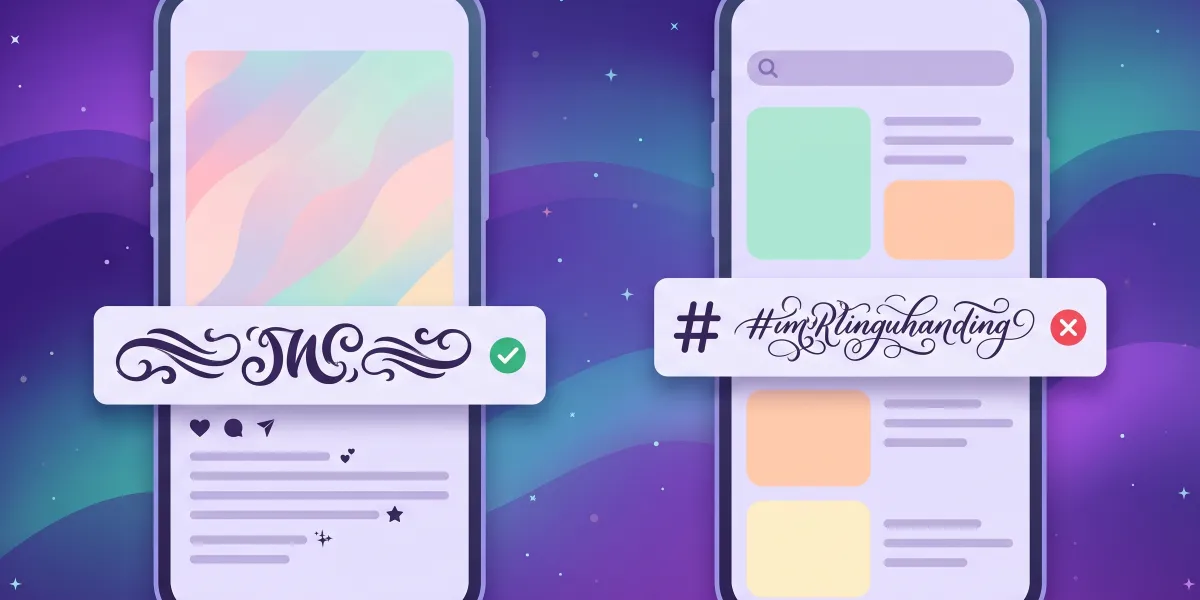
In captions, use IG fonts for a short headline or a call to action, such as a bold first line, and write the rest in normal text so it stays easy to read. The first lines of a caption are what people see before they tap "more", which is where a bold or script hook helps most. Comments and DMs accept the same Instagram fonts. Hashtags are different: a hashtag in fancy letters is a different string of characters, so it does not match the normal tag and will not show your post on that hashtag page. Always type hashtags in plain letters.
Which Instagram fonts look best
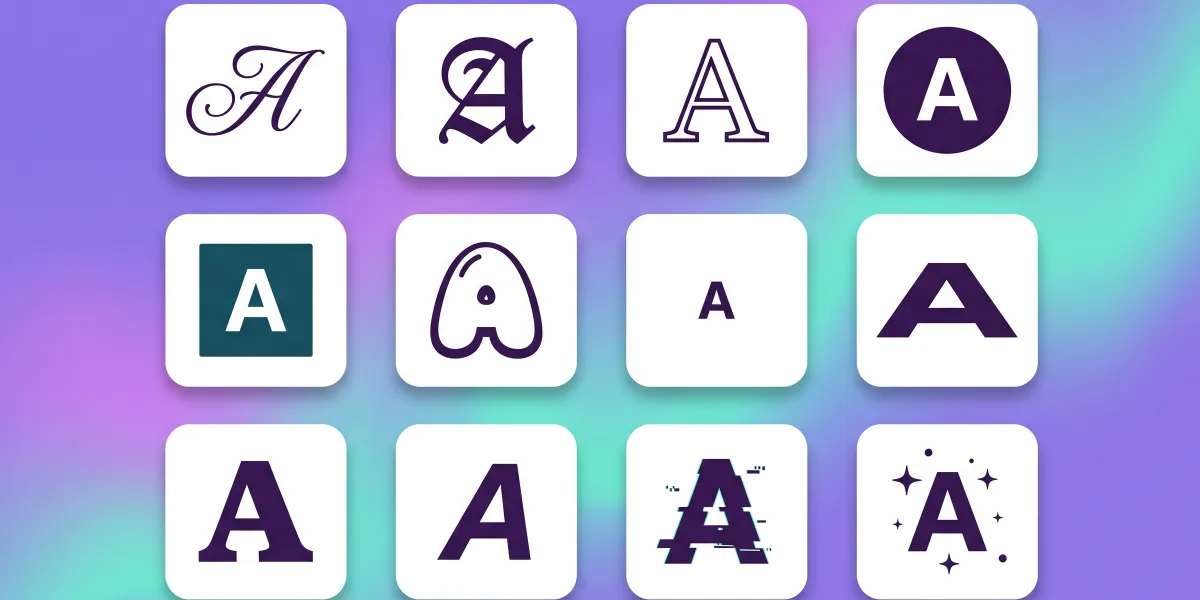
Bold script reads as elegant and works for names of creators, salons, bakeries and wedding pages. Plain bold and bold sans make a line stand out without looking busy, good for shop and service profiles. Small caps and tiny text suit a quiet subtitle like a city or a job title. Sparkles and hearts frame a short phrase in an aesthetic profile. Double-struck and gothic make a strong statement for gaming, music and art accounts. For cursive only, our cursive font generator shows every script style, and the fancy font generator has the full set with glitch, bubbles and nickname frames.
Why Instagram fonts are characters, not fonts
Instagram does not let you change the font of your bio or captions; the app shows all text in its own typeface. What these Instagram fonts do is swap each letter for a look-alike character from the Unicode standard, such as 𝓪 (mathematical bold script small a) or Ⓐ (circled capital A). Instagram displays them like any other character, which is why they survive copy and paste. Stories and Reels are the exception: their text tool has its own built-in font styles, which only work inside that story. The full list of these letter alphabets is in the Unicode chart of mathematical letters.
When Instagram fonts show as boxes
Most phones from the last few years show every style here, but some older Android phones and a few desktop browsers show empty boxes instead, and you cannot fix that for your visitors. Screen readers read each fancy letter by its long Unicode name, so a bio written entirely in Instagram fonts is hard to follow for blind followers; keep key details such as your business, location, opening hours and links in plain text. Line styles like strikethrough and underline add invisible marks to each letter, which count toward the 150-character bio limit. If a style looks broken on your own phone, pick another.
A real font for your Instagram graphics
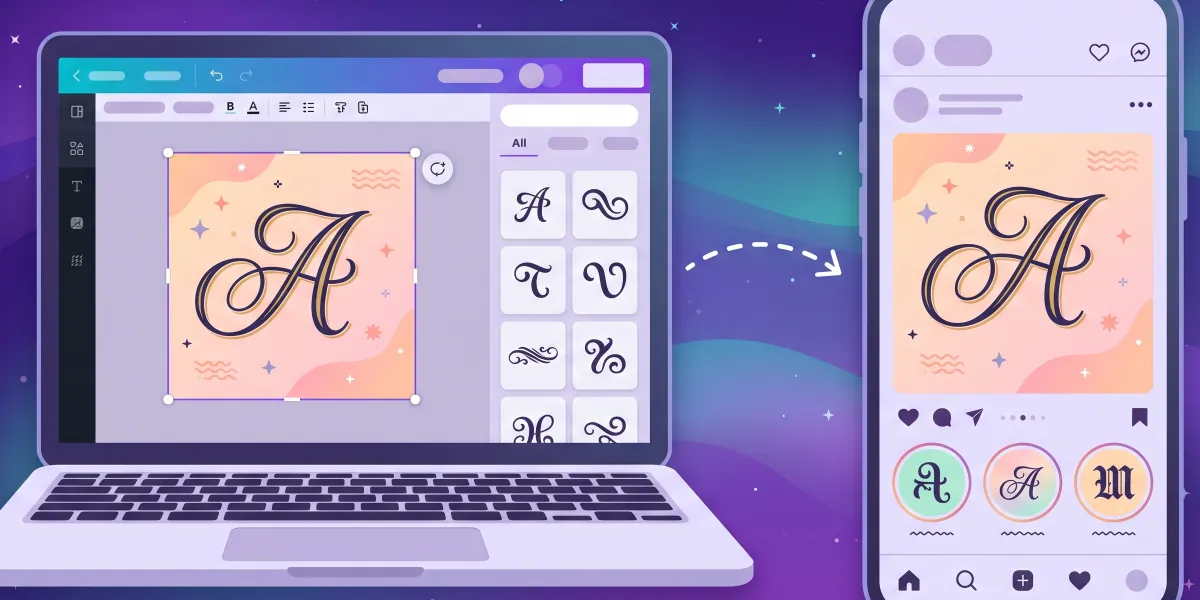
Post graphics, carousels, quote cards, Reels covers and highlight icons are made in Canva, Photoshop, Procreate or CapCut, and those apps need a real font file, not copied characters. The second tool on this page is an AI font generator that makes one: describe the look of your brand, for example "soft rounded script for a candle shop", and FontQuill draws all 133 characters as an installable TTF and OTF, with spacing and kerning. You can also turn your handwriting into a font for a personal touch. Preview every letter free, then install the font and use the same typeface on every post.
Are these Instagram fonts free?
Yes. Copying Instagram fonts here is free, unlimited and needs no account or app. Making a real font for your graphics uses credits: an English font costs 100, and a free account starts with 150, so your first font and its full preview cost nothing. To download the font files you need a plan, Starter at $9 a month with 500 credits, Pro at $19 with 5,000 or Studio at $49 with 15,000, or a one-time pack of 300 credits for $9.99 that never expires. Fonts downloaded on Pro, Studio or with a pack may be used commercially, which covers brand and client accounts; Starter is for personal projects. FontQuill is not affiliated with Instagram or Meta.
How do I change the font in my Instagram bio?
Instagram has no font setting for bios. Type your text above, copy an Instagram font style and paste it into Edit profile, Bio.
Can I use Instagram fonts in my username?
No. Usernames only allow plain letters, numbers, periods and underscores. Use the fonts in your name or bio instead.
Will a fancy name hurt my Instagram search?
It can. Search matches plain letters, so keep your real name in plain text and decorate the bio or another word.
Do IG fonts work in hashtags?
No. A fancy-letter hashtag is a different tag from the normal one, so your post will not appear on the hashtag page.
Why do my Instagram fonts show as boxes for some people?
Their phone or browser lacks those Unicode characters. Newer phones show them; some older Android devices do not.
Do I need an app for Instagram fonts?
No. Copy them from this page in any browser and paste them straight into Instagram.
Is this an official Instagram tool?
No. FontQuill is an independent font tool and is not affiliated with Instagram or Meta.