 FontQuill
Handwriting to font: turn your writing into a real font
Go from handwriting to font in two ways: snap a photo of a few lines and FontQuill draws every letter in your style, or print our template for a stroke-for-stroke copy. This handwriting to font converter gives you a free preview first, then a TTF and OTF that work in Word, Cricut, Canva and Goodnotes.
Free account includes 150 credits: enough to make and preview your first font. Credits come back if a font fails.
Real results: handwriting photo in, font out
Two images uploaded to “My handwriting” and the fonts FontQuill made from them. Letters the photo does not show were drawn in the same hand. The text on the right is set in the generated font, so type your own words to try it.
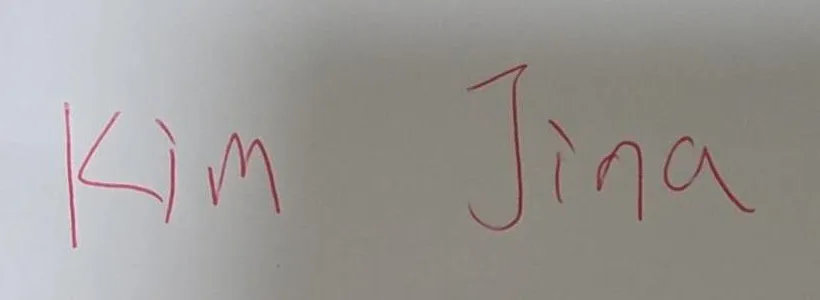
Kim Jina
ABCDEFGHIJKLM NOPQRSTUVWXYZ
abcdefghijklm nopqrstuvwxyz
0123456789 &?!
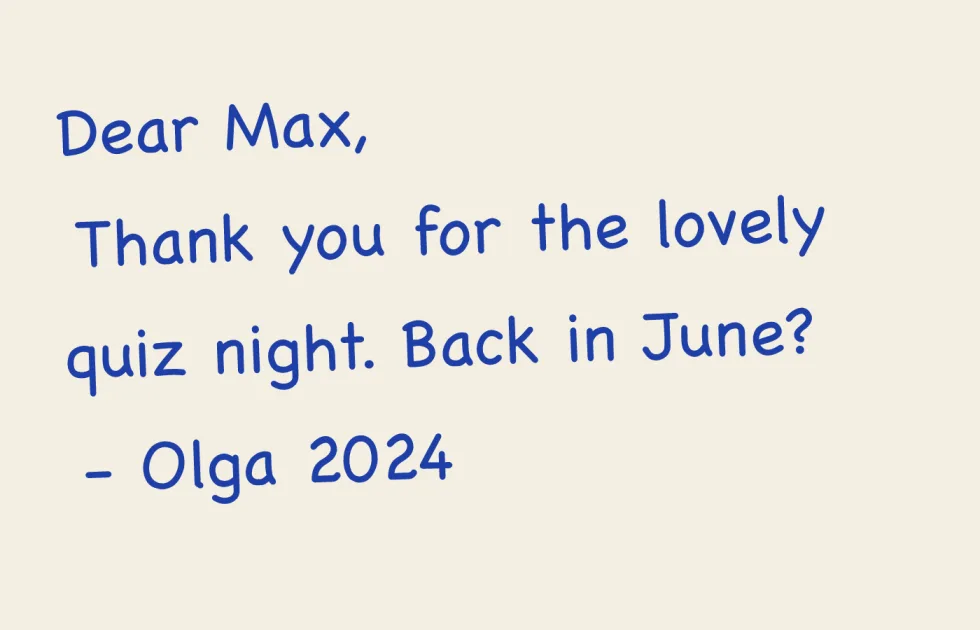
Dear Max, back in June?
ABCDEFGHIJKLM NOPQRSTUVWXYZ
abcdefghijklm nopqrstuvwxyz
0123456789 &?!
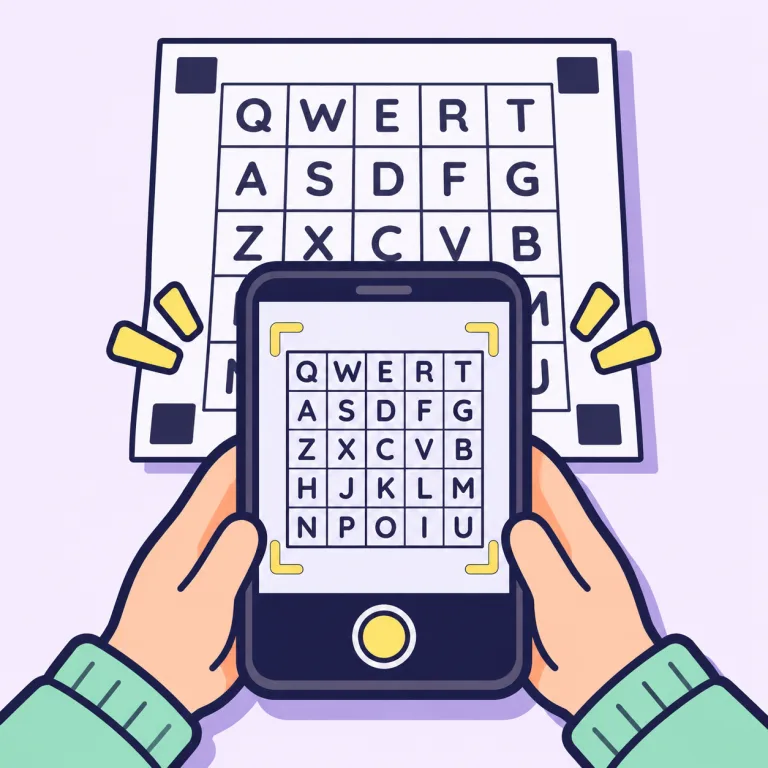
Handwriting to font in 3 steps
First, write two or three sentences on plain white paper with a dark felt-tip or gel pen, ideally a pangram such as "The quick brown fox jumps over the lazy dog" so most letters appear. Second, take a straight, well-lit photo and upload it under "My handwriting". Third, pick your languages and press Make: the handwriting to font converter reads your slant, stroke weight and letter shapes and draws all 133 English characters in 1–3 minutes. You see every letter in a free preview and a type tester before you pay anything, so you know how your handwriting to font result looks on your own words.
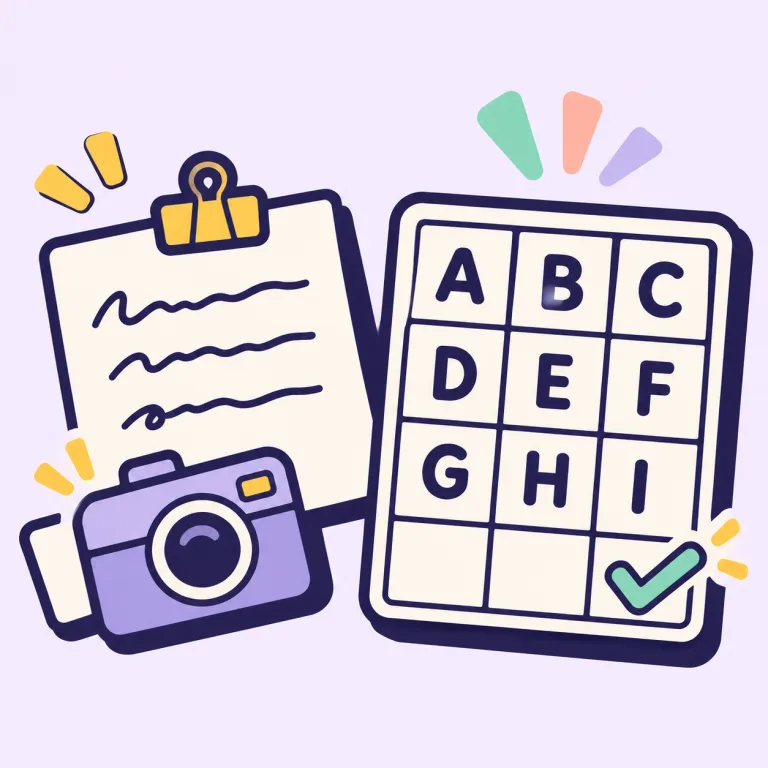
Photo or template: two ways from handwriting to font
A photo is the fastest way from handwriting to font. It captures the look of your writing and fills in every letter you did not write, so the font looks like you without being stroke for stroke. The template is the exact way to turn handwriting to font: print it, write one character in each box and photograph the page from your computer or phone. Every letter in the font is then the one you drew. Accents are built from the marks you write (´ ` ˆ ¨ ˜), so Spanish, French or German add only a few boxes. Choose the photo for speed and the template when the handwriting to font copy has to be exact. Ready for the exact way? Download the handwriting font template and print it at 100%.
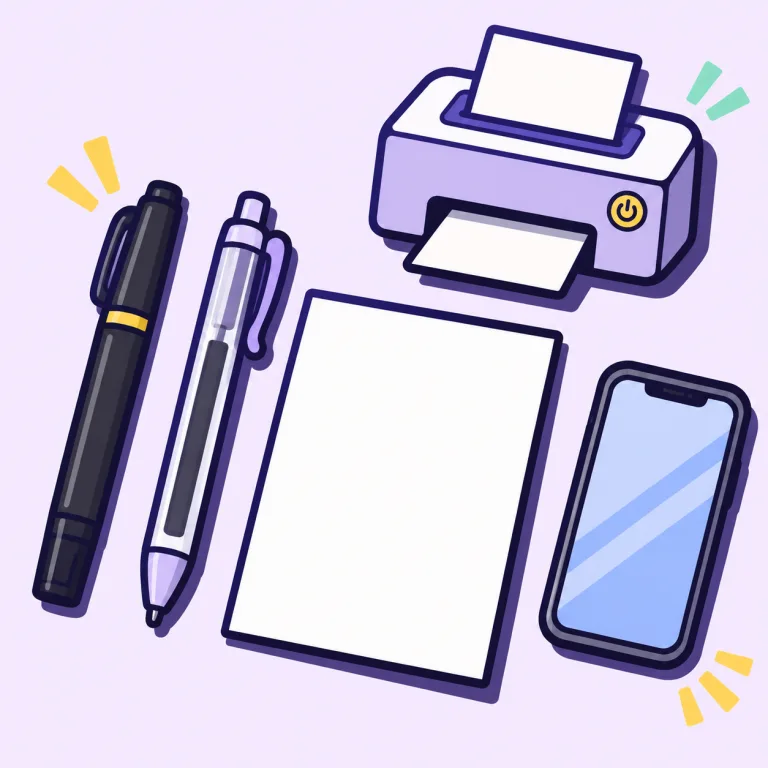
What you need to convert handwriting to font
A pen that leaves an even, dark line (felt-tip, gel or fineliner), plain white paper with no lines or squares, and a phone camera or scanner. For the template you also need a printer: print at 100% on A4 or Letter. No tablet, no stylus and no design software are needed to turn handwriting to font. If you plan to use the font in a planner, write at the size you normally write in it, so the font keeps the same proportions. Pencil and light blue ink are too faint for a clean handwriting to font conversion.
Tips for a handwriting to font result that looks like you
Write at your normal size and speed: slow, careful letters look stiffer than your real handwriting. Keep the paper flat, shoot from straight above in daylight and avoid shadows from your hand or phone. Dark ink on white paper gives the cleanest handwriting to font outlines. If a letter of your handwriting to font result comes out wrong, redraw just that letter for 50 credits with a note such as "rounder" or "less slanted" instead of making the whole font again. Most people get a handwriting to font result they keep on the first or second try.
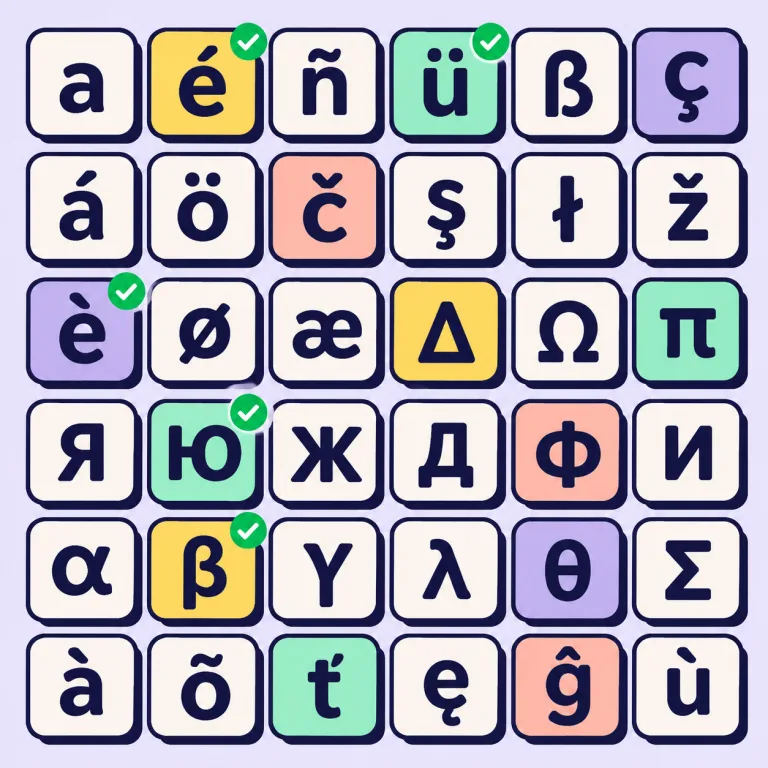
What your handwriting font includes
Every font made with the handwriting to font converter has A–Z, a–z, 0–9, punctuation, curly quotes, dashes and symbols such as € £ ©, spaced and kerned automatically so words look even. Add any of 27 languages and their accented letters are drawn in the same hand, from Spanish ñ and German ß to Polish, Cyrillic and Greek. You get TTF and OTF files for your computer, WOFF2 and WOFF for websites, plus install steps.
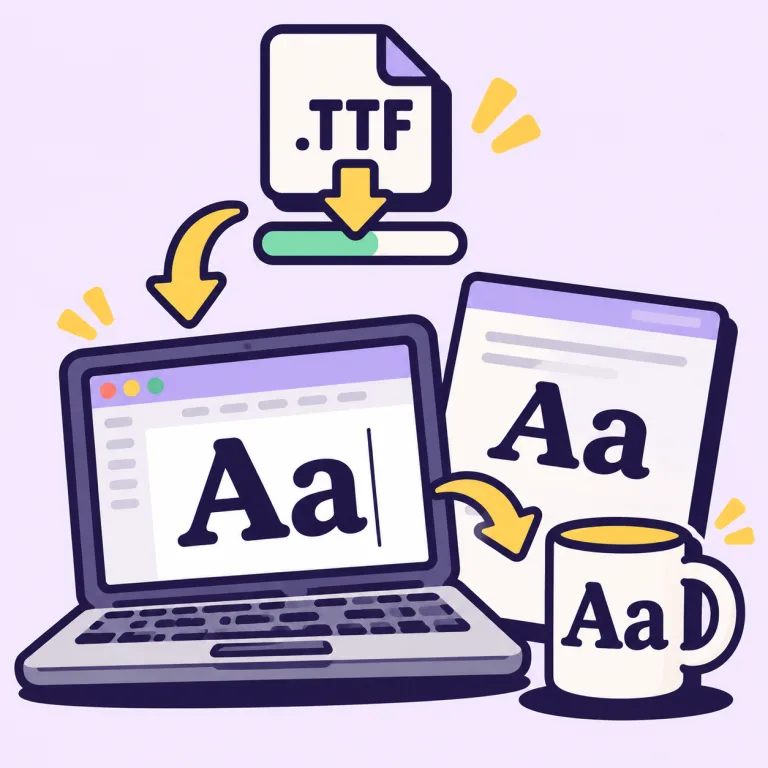
Where to use your handwriting to font file
Install the TTF and it shows up in Word, Pages, Photoshop, Illustrator, Canva (upload needs Canva Pro), Cricut Design Space, Procreate and Goodnotes. People turn handwriting to font for letters and greeting cards, planner pages, worksheets in a child's own handwriting, wedding invitations and place cards, recipe books in a grandparent's hand, and Cricut projects that should look handwritten. Google Docs cannot load your own font files; use Word, Pages or Canva instead. Step-by-step help for each app is in how to install a font.
Handwriting to font: what to expect
Handwriting to font gives one version of each letter, so repeated letters look the same, unlike real writing. Joined-up cursive becomes separate letters that sit close together; use Weld in Design Space if you need them connected. A photo font is about 60–70% like your hand; the template is an exact copy. Chinese, Japanese, Korean and Arabic scripts are not supported by this handwriting to font converter. If you only need cursive for a bio or caption, a cursive font generator gives you copy-and-paste script text in seconds.
Handwriting to font price
An English handwriting font costs 100 credits and each language adds a few (Spanish +16, German +8). Your free account comes with 150 credits, so you can try handwriting to font and preview your first font at no cost. Downloading the files needs a plan from $9 a month or a one-time pack from $9.99, and pack credits never expire. If a font fails, the credits come back automatically.
Can I convert handwriting to font for free?
You can make and preview it free: a free account includes 150 credits, enough for your first handwriting to font conversion in English, or with Spanish, French or German accents. Downloading needs a plan or a credit pack, from $9.99.
How long does handwriting to font take?
Writing a sample takes a few minutes (about 15 for the full template). The font itself is ready in 1–3 minutes.
Do I need to print a template?
No. A photo of a few lines of your normal handwriting is enough. Print the template only when you want an exact, stroke-for-stroke handwriting to font copy.
Can I take the photo with my phone?
Yes. Start the handwriting to font converter on your computer, scan the QR code and photograph the page with your phone; the photo appears on your computer.
Will my handwriting font work in Goodnotes and Cricut Design Space?
Yes. Handwriting to font gives you a TTF, and both accept TTF fonts: import it in Goodnotes, or install it on your computer to see it in Design Space.
Does handwriting to font support cursive?
It copies the style of cursive writing, but each letter is a separate shape, so letters sit side by side rather than joining.
Can I use my handwriting font commercially?
Yes, when you download it on the Pro or Studio plan or after buying a credit pack. Starter covers personal use.
What happens to the photo of my handwriting?
Photos uploaded for handwriting to font are deleted after 2 days. Your font stays in My fonts for good once you pay, or 7 days on a free account.