 FontQuill
Font from image: turn a photo or logo into a font
Make a font from an image of lettering you like, such as your logo, a shop sign or a vintage poster. This font from image maker draws a complete font in that style, including the letters the image does not show, and gives you TTF, OTF and WOFF2 files. It works as a photo to font converter too: snap the lettering with your phone and upload it.
Free account includes 150 credits: enough to make and preview your first font. Credits come back if a font fails.

How to make a font from an image
Upload a PNG, JPG or WebP under "From an image". The font from image maker reads the lettering style, meaning stroke weight, contrast, serifs, slant, width and corners, and draws A–Z, a–z, numbers and punctuation to match. Pick the languages you need and press Make; the whole font is ready in 1–3 minutes. You can add a short note such as "a bit bolder" or "less condensed" to steer the result. Preview every letter of your font from image free before you download, and type your own words in the tester to see how it reads. No image to start from? Describe the style in words with the AI font generator instead.
Photo to font: use your phone camera
You do not need a clean logo file. A photo to font workflow works fine: stand straight in front of the sign, poster or book cover, fill the frame with the letters and take the picture in even light. Crop away the background before uploading if you can. The font from image maker ignores color and texture and looks only at the letter shapes, so a photo of a painted wall sign or a chalkboard menu can become a full font. Avoid steep angles and reflections, which bend the letters the maker has to copy.
Turn a logo into a full font
Most logos only use a handful of letters, which makes it hard to write a menu, a price tag or a social post in the same lettering. A font from image extends the wordmark into a full alphabet with numbers and punctuation, so your packaging, signage, website and slides all match. Because the letters are drawn new, they fit together as one family instead of looking pasted in. Many small brands use a font from image to get a house typeface without hiring a type designer.
Which images make the best font from image
Large, sharp letters on a plain background, with at least five or six different letters visible. A flat logo file, a clean sign photographed straight on, a book cover or a poster all work well. Avoid photos taken at a steep angle, heavy textures, letters overlapping pictures, or tiny text. If you only have a few letters, the font from image maker still draws the rest, but more letters give it more to copy. Uppercase-only lettering produces a font whose lowercase is drawn to match.
Font from image vs. font finder
A font finder tries to name an existing typeface in a picture, which only works when the font is published and you can buy it. A font from image makes a new font with the same look, so it works for hand-lettered signs, custom logos and old posters that no font finder can identify. The result is an original font drawn in that style, not a copy of the original file. If a font finder does name a commercial typeface, buying a licence is the way to get the exact original.
What you get from photo to font
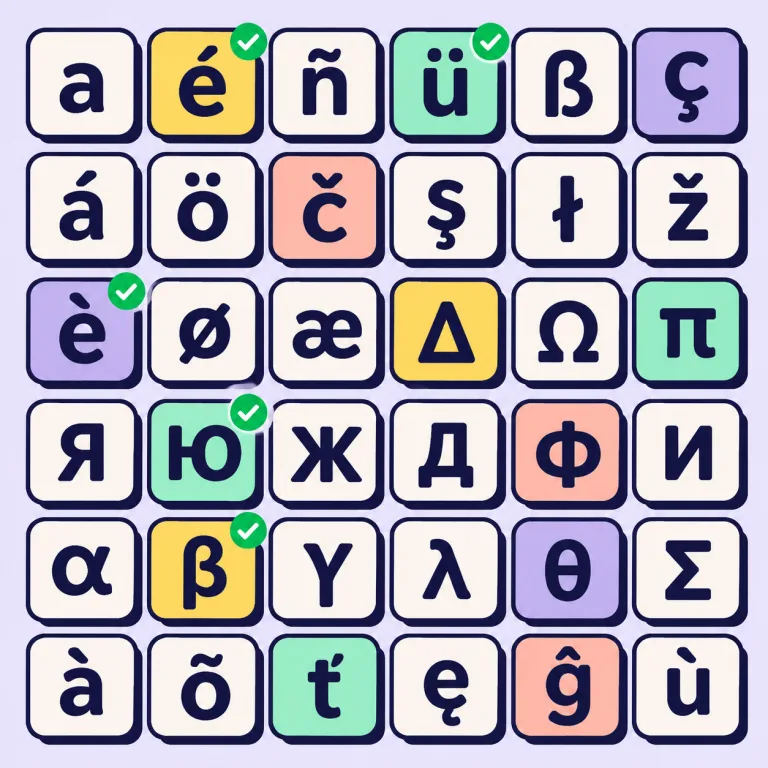
Every font from image includes 133 English characters, spaced and kerned automatically, and any of 27 languages with their accented letters, from Spanish and German to Polish, Cyrillic and Greek. You download TTF and OTF for Windows and Mac, WOFF2 and WOFF for websites, a ready-made CSS file and install steps. The outlines are clean vectors, sharp at any size and ready for cutting machines such as Cricut. Not sure where the files go? Follow how to install a font on Mac, Windows or Canva.
Ideas for a font from image
Rebuild the lettering of a family shop sign, turn a band or club logo into a poster font, extend a café chalkboard style to a full menu, recreate the letters on a vintage travel poster, or make a font from a child's drawing of letters. Designers also use font from image to explore a direction quickly before hand-drawing a final logo, and game makers turn concept-art lettering into a usable title font. Planning vinyl decals or shirts? The Cricut font maker page shows how to cut your new font cleanly.
Font from image: cost and rights
A font from image costs 100 credits in English, plus a few per language, and your free account includes 150 credits to make and preview one. Downloads start at $9.99 with a pack, or $9 a month with a plan. Fonts downloaded on Pro, Studio or with a pack may be used commercially. Only upload lettering you own or have the right to use, such as your own logo; uploaded images are deleted after 2 days.
Can I make a font from an image for free?
You can make and preview a font from image free with the 150 credits you get on sign-up. Downloading needs a plan or a credit pack, from $9.99.
Can I turn my logo into a font?
Yes. Upload the logo and the font from image maker draws every letter, number, punctuation mark and accent in its style.
Does photo to font work with a phone picture?
Yes. Photograph the lettering straight on in even light, crop the background if you can and upload the photo.
Is the font an exact copy of the original typeface?
No. A font from image is a new font drawn in the same style, so details differ from the original.
Which file types can I upload?
PNG, JPG or WebP. A sharp image with large letters on a plain background works best.
How many letters does the image need?
Five or six different letters is a good minimum; the maker draws the rest in the same style.
Can I add instructions?
Yes. Use the "Anything to change?" field, for example "make it bolder" or "less condensed".
Can I use a font from image commercially?
Yes, when you download it on Pro or Studio or after buying a credit pack, as long as you have the right to use the lettering you uploaded.