 FontQuill
AI font generator
Describe a lettering style in plain words, or upload an image of letters you like, and this AI font generator draws a complete font in that style: A–Z, a–z, numbers, punctuation and accented letters, spaced and kerned. The AI font generator gives you real TTF, OTF and WOFF2 files you can install and type with, not copy-and-paste symbols.
Free account includes 150 credits: enough to make and preview your first font. Credits come back if a font fails.
Real results: a description in, a font out
Each font below was made from the one-line description on its card, a style preset in the tool. Nothing was retouched: the text is set in the generated font files.
The quick brown fox
ABCDEFGHIJKLM NOPQRSTUVWXYZ
abcdefghijklm nopqrstuvwxyz
0123456789 &?!
The quick brown fox
ABCDEFGHIJKLM NOPQRSTUVWXYZ
abcdefghijklm nopqrstuvwxyz
0123456789 &?!
The quick brown fox
ABCDEFGHIJKLM NOPQRSTUVWXYZ
abcdefghijklm nopqrstuvwxyz
0123456789 &?!
The quick brown fox
ABCDEFGHIJKLM NOPQRSTUVWXYZ
abcdefghijklm nopqrstuvwxyz
0123456789 &?!
Real results: handwriting photo in, font out
Two images uploaded to “My handwriting” and the fonts FontQuill made from them. Letters the photo does not show were drawn in the same hand. The text on the right is set in the generated font, so type your own words to try it.
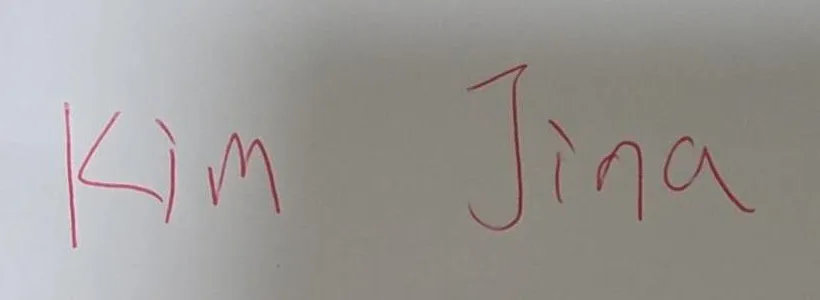
Kim Jina
ABCDEFGHIJKLM NOPQRSTUVWXYZ
abcdefghijklm nopqrstuvwxyz
0123456789 &?!
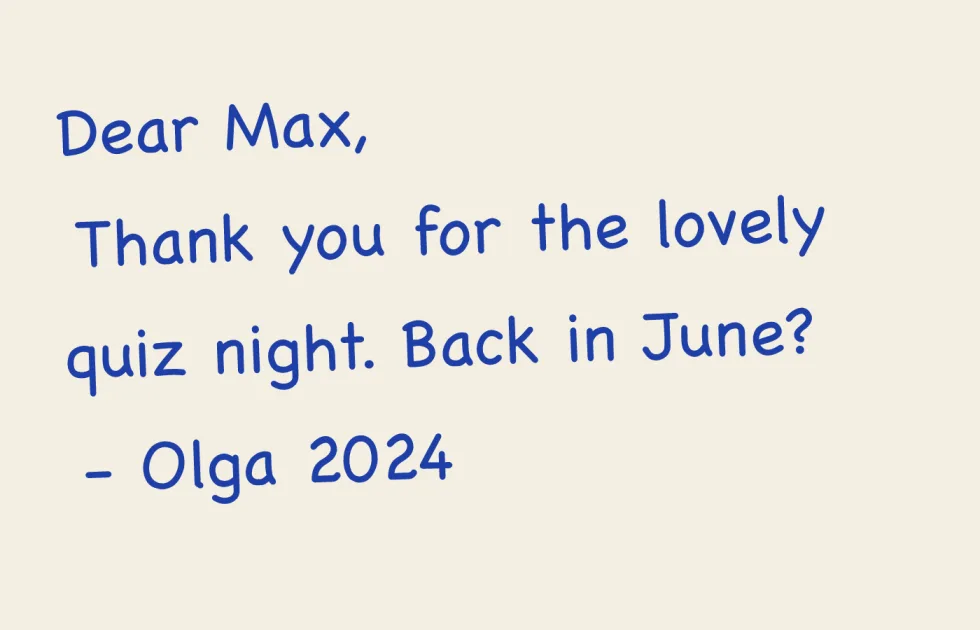
Dear Max, back in June?
ABCDEFGHIJKLM NOPQRSTUVWXYZ
abcdefghijklm nopqrstuvwxyz
0123456789 &?!
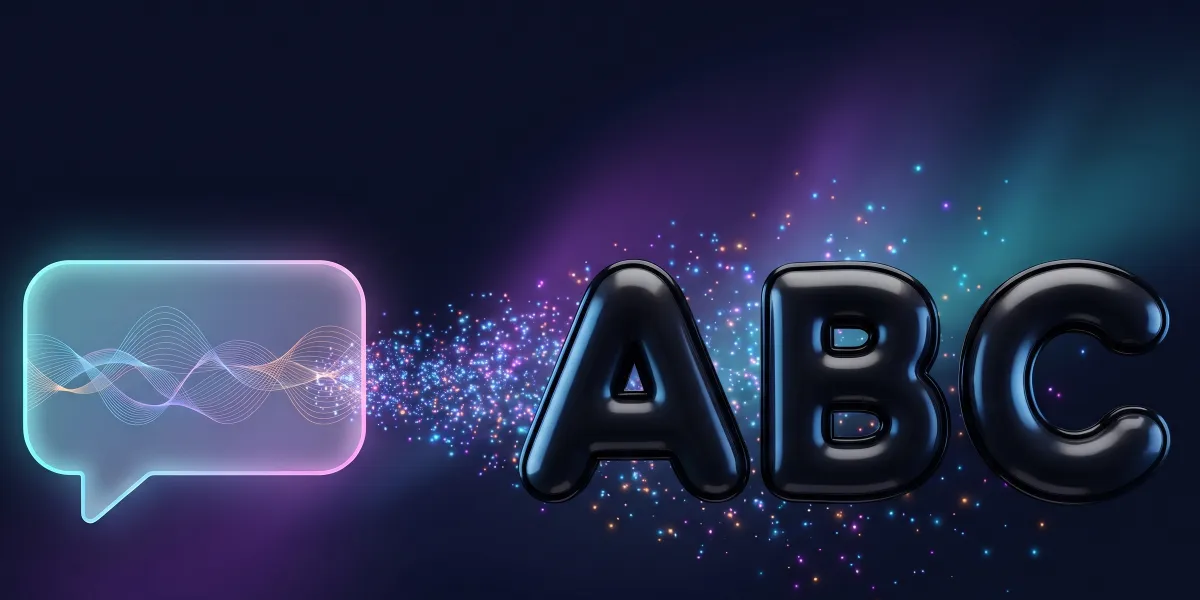
How the AI font generator works
Type into the AI font generator a description such as "inflated bubble letters, very round, solid fill", name your font and pick the languages you need. When you press Make, the AI font generator draws each character as a clean vector outline in that one style, checks that the letters match in height, weight and width, then measures every pair of letters and sets spacing and kerning. The whole AI-generated font is ready in 1–3 minutes. You see every glyph in a free preview and can type your own words in the tester before you pay. Download TTF and OTF for Windows and Mac, WOFF2 and WOFF for websites, a ready-made CSS file and install steps.

How to write a prompt for an AI font generator
Good AI font generator prompts name three things: the stroke shape, the weight and the mood or era. "Tall condensed sans, sharp corners, heavy, art deco poster" works; "a cool font" does not. Useful words for shape are rounded, condensed, wide, geometric, brush, monoline, serif and slab. For weight, use hairline, light, regular, bold or heavy. For mood, try retro 1970s, gothic, playful, elegant, industrial or handwritten. Leave out colors, gradients, textures and backgrounds: a font is solid black outlines, so the AI font generator ignores them. If the first font generator result is close, adjust one word, for example "less condensed", rather than rewriting the whole prompt. For the other ways to build a typeface, read how to make a custom font.

AI font generator from an image
Already have lettering you like? Switch to the image tab and upload a logo, a shop sign, a poster or a book cover as PNG, JPG or WebP. The AI font generator reads the lettering style, meaning stroke weight, contrast, serifs, slant and corners, and draws the full character set to match, including the letters your image does not show. For the AI font generator from image, large, sharp letters on a plain background with at least five or six different characters give the closest match. Add a short note such as "a bit bolder" to steer it. The output is a new font drawn in that style, so upload lettering you own or have the right to use. Tips on which pictures work best are on font from image.
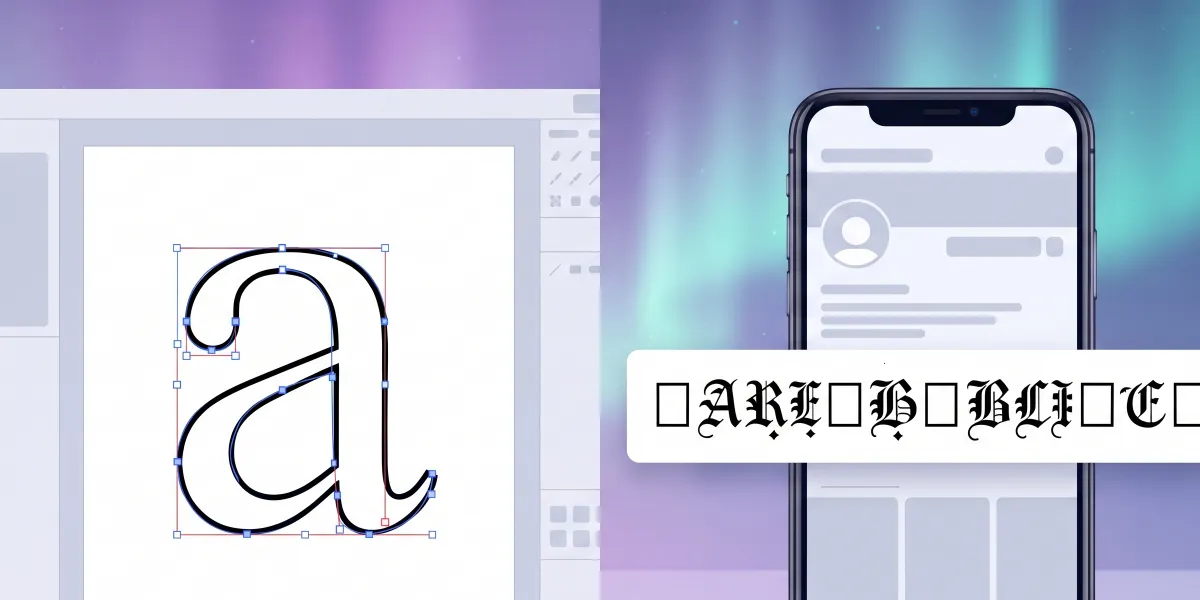
AI font generator vs. fancy text generators
Many tools called "font generators" do not make fonts; a fancy text font generator only swaps characters. They swap your letters for Unicode symbols, the mathematical script and bold characters, so you can paste them into a bio. Those cannot be installed, only come in a few fixed looks, are read out letter by letter by screen readers, and show up as empty boxes in some apps. An AI font generator like this one makes an actual font file: you install it once and then type with it in Word, Canva, Photoshop, Cricut Design Space or on your website, in any style you can describe. Use fancy text for a quick social post; use a real font for anything you design, print or cut. If copy-and-paste text is all you need, our cursive font generator makes it free.
What the generated font includes
Every font from the AI font generator has 133 characters in the English set: A–Z, a–z, 0–9, punctuation, curly quotes, dashes and symbols such as € £ © ®. Tick any of 27 languages and their letters are drawn in the same style, from Spanish ñ and German ß to Polish, Czech, Turkish, Russian, Ukrainian and Greek. Outlines are closed vector curves, sharp at any size and clean for cutting machines. You choose the font name, which is what appears in your font menus. Each font is one weight; for a bold version, run the font generator again with "bold" in the prompt. Chinese, Japanese, Korean, Arabic, Hebrew and Indian scripts are not supported.
Fix a single letter instead of starting over
Letters from any AI font generator can have small quirks: a "g" that is too narrow or an "R" whose leg sits oddly. Instead of generating the whole font again, click that letter in your result and redraw it for 50 credits, with a note such as "wider" or "less curly". Its accented versions update with it, so é, è and ê all follow the new e. If the whole direction is wrong, change the font generator prompt and make a new font; if a font cannot be made at all, the credits return to your balance automatically. For point-by-point edits after download, you can still open the TTF in a free editor such as FontForge.
What people make with an AI font generator
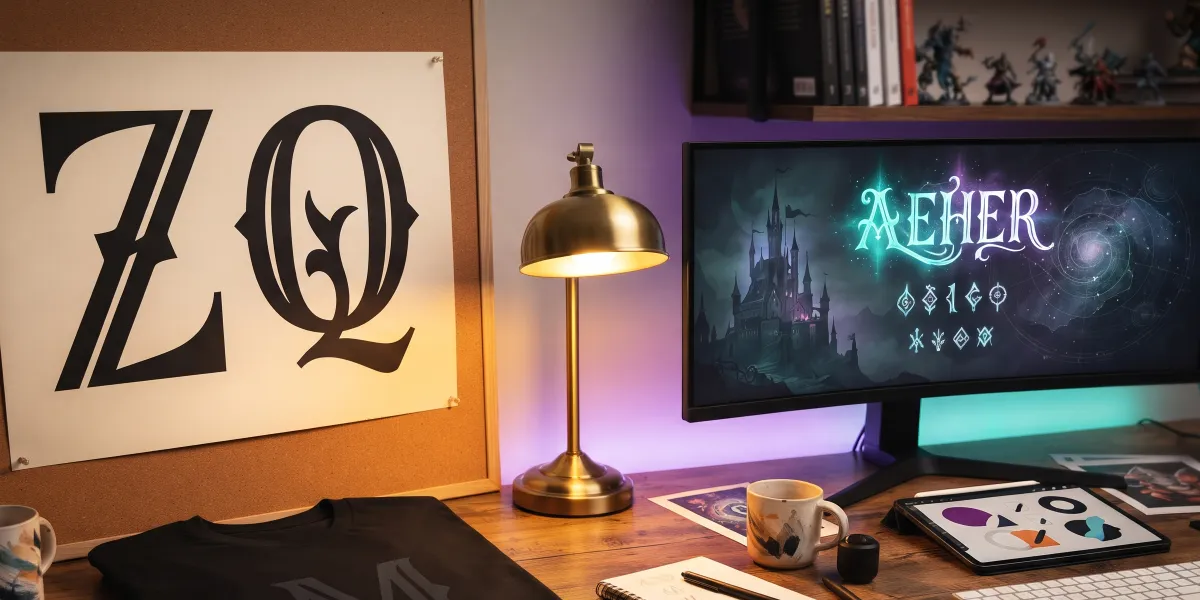
With a font generator, brands extend a logo into a full alphabet for packaging, menus, signage and price tags. Game and video creators make title lettering that fits their world and drop the TTF into a game engine or editing app. Etsy and Cricut makers create a style nobody else sells for decals, mugs and shirts. Teachers make friendly classroom fonts; event planners match invitations, place cards and signs; designers test several type directions for a pitch in an afternoon instead of a week. In each case the AI font generator gives you a starting point in minutes, and you keep only the versions that work. Cutting letters from vinyl? The Cricut font maker page explains the Design Space steps.
Is there a free AI font generator?
You can use the AI font generator and preview fonts free. Signing up gives you 150 credits, and a full English font costs 100, with a few more per added language (Spanish +16, German +8). The preview shows every letter with a watermark and a type tester, so you know exactly what you are getting. To download the font files, choose a plan from $9 a month (Starter 500 credits, Pro 5,000, Studio 15,000) or a one-time pack of 300 credits for $9.99 whose credits never expire. Fonts downloaded on Pro, Studio or with a pack can be used commercially; Starter is for personal projects.
What is an AI font generator?
A tool that turns a text description or an image into a complete font: it draws every letter, number and symbol in one style and packs them into installable font files.
Is this AI font generator free?
Generating and previewing in the AI font generator is free with the 150 credits you get on sign-up. Downloading the TTF, OTF and WOFF2 files needs a plan or a credit pack, from $9.99.
Does it make a real font or copy-and-paste text?
A real font. You download TTF, OTF and WOFF2 files and install them like any font you buy.
Can the AI font generator work from an image?
Yes. Upload a logo, sign or poster on the image tab and it draws the full alphabet in that lettering style.
How long does it take to generate a font?
The AI font generator usually takes 1–3 minutes for a full font with accents.
Can I use AI-generated fonts commercially?
Yes, fonts from the AI font generator can be used commercially when you download them on the Pro or Studio plan or after buying a credit pack. Starter downloads are for personal use.
Can it generate fonts with accents or Cyrillic?
Yes. Before you run the font generator, tick any of 27 languages, including Cyrillic and Greek, and their letters are drawn in the same style.
Can I make my handwriting into a font with it?
Yes. Use the handwriting tab of the font generator: photograph a few lines of your writing, or fill in the printable template for an exact copy.