 FontQuill
How to make a custom font
There are four ways to make a custom font: describe it to an AI custom font maker, turn your handwriting into a custom font, extend a logo or image into a full alphabet, or draw every letter in a font editor. The maker above covers the first three and gives you a free preview in 1–3 minutes; the guide below walks through all four.
Free account includes 150 credits: enough to make and preview your first font. Credits come back if a font fails.
Real results: a description in, a font out
Each font below was made from the one-line description on its card, a style preset in the tool. Nothing was retouched: the text is set in the generated font files.
The quick brown fox
ABCDEFGHIJKLM NOPQRSTUVWXYZ
abcdefghijklm nopqrstuvwxyz
0123456789 &?!
The quick brown fox
ABCDEFGHIJKLM NOPQRSTUVWXYZ
abcdefghijklm nopqrstuvwxyz
0123456789 &?!
The quick brown fox
ABCDEFGHIJKLM NOPQRSTUVWXYZ
abcdefghijklm nopqrstuvwxyz
0123456789 &?!
The quick brown fox
ABCDEFGHIJKLM NOPQRSTUVWXYZ
abcdefghijklm nopqrstuvwxyz
0123456789 &?!
Real results: handwriting photo in, font out
Two images uploaded to “My handwriting” and the fonts FontQuill made from them. Letters the photo does not show were drawn in the same hand. The text on the right is set in the generated font, so type your own words to try it.
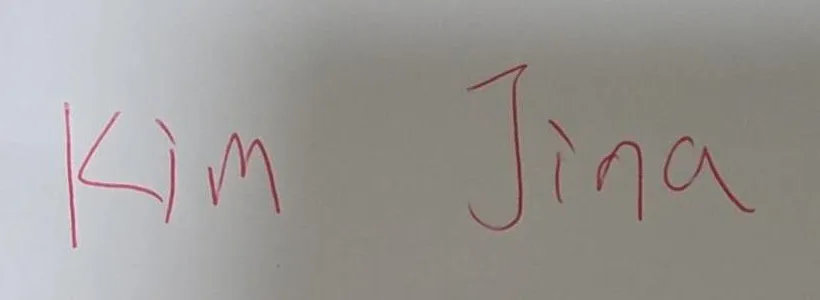
Kim Jina
ABCDEFGHIJKLM NOPQRSTUVWXYZ
abcdefghijklm nopqrstuvwxyz
0123456789 &?!
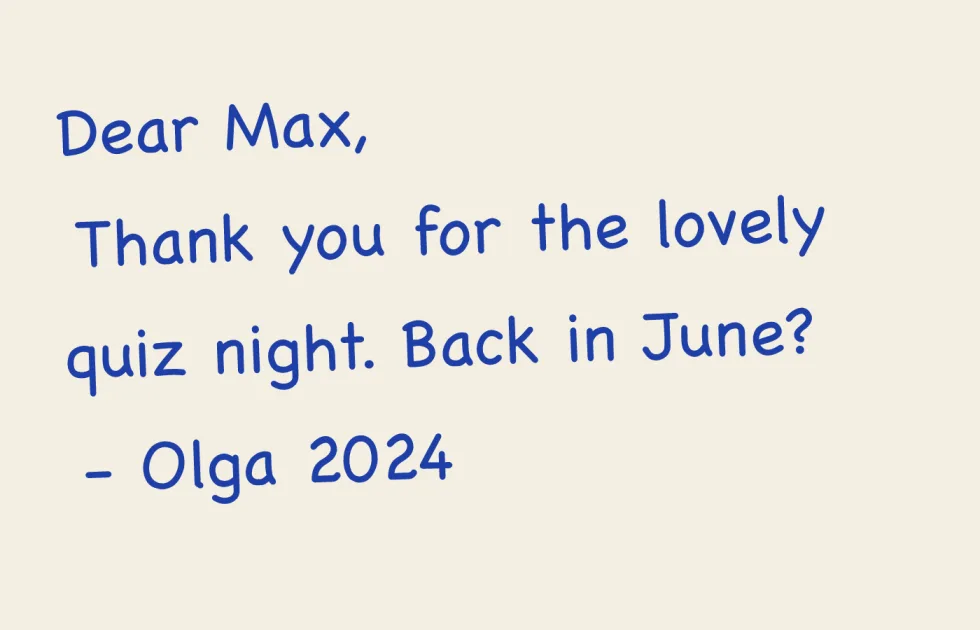
Dear Max, back in June?
ABCDEFGHIJKLM NOPQRSTUVWXYZ
abcdefghijklm nopqrstuvwxyz
0123456789 &?!
How to make a custom font in 3 minutes
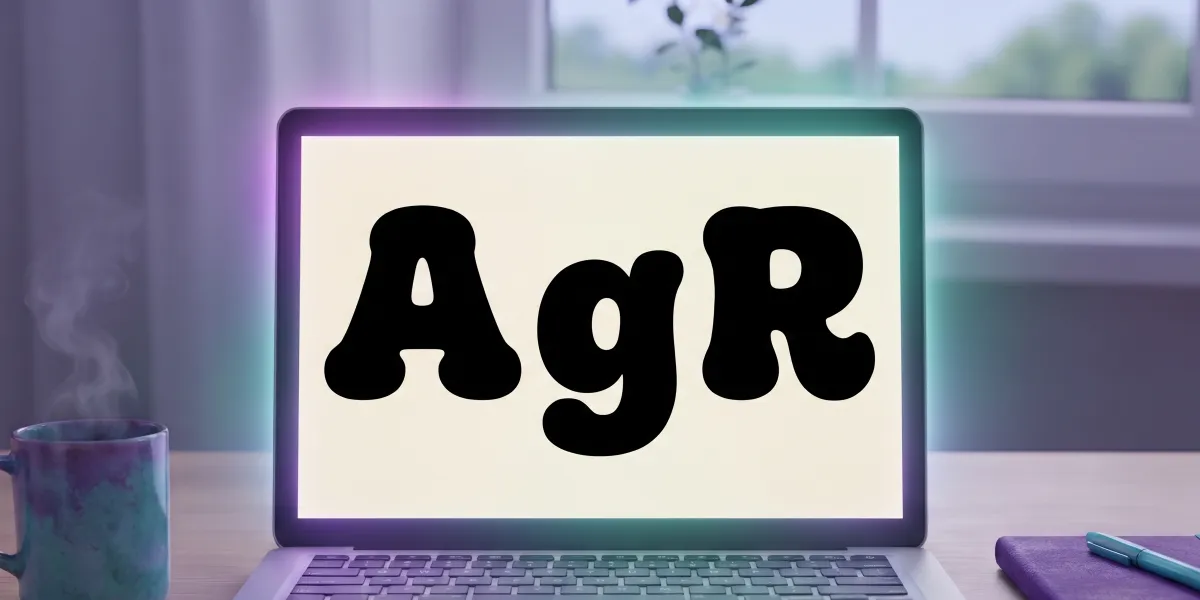
The fastest way to make a custom font is to describe it. Type the look in one sentence, for example "chunky rounded retro letters, heavy weight", give the font a name and tick the languages you need. Press Make and FontQuill draws A–Z, a–z, 0–9, punctuation and symbols in that single style, then spaces and kerns them. In 1–3 minutes you see every character in a free preview with a type tester, so you can judge the custom font on your own words before paying anything. Not quite right? Change the description and make it again, or redraw a single letter with a note such as "wider". When you are happy, download TTF and OTF files for your computer and WOFF2 for the web. This is the fastest route: an AI font generator that turns a description into a font.
Method 2: make a custom font from your handwriting
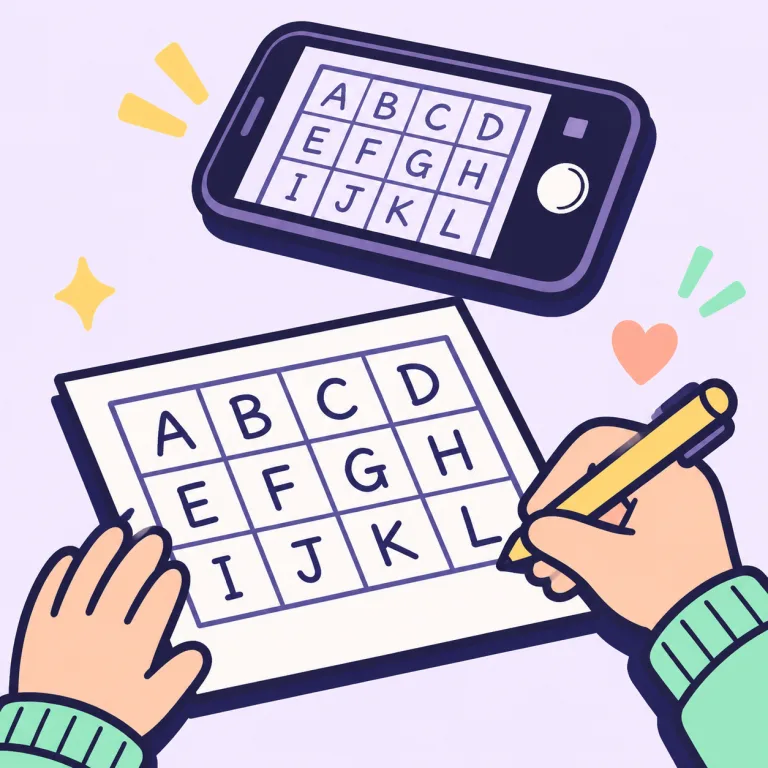
To make a custom font from your own writing you have two options. The quick one is a photo: write two or three sentences on plain white paper with a dark felt-tip, photograph it, and the maker reads your slant, stroke weight and letter shapes and draws every letter of your custom font in your style, including the ones you did not write. The exact one is a template: print one page, write one character in each box, photograph it, and every glyph in the custom font is the stroke you drew. The photo custom font takes five minutes and looks like your hand; the template takes about fifteen and is your hand. Both give you accented letters for Spanish, French, German and more. The details, from pens to photos, are on handwriting to font.
Method 3: make a custom font from a logo or image
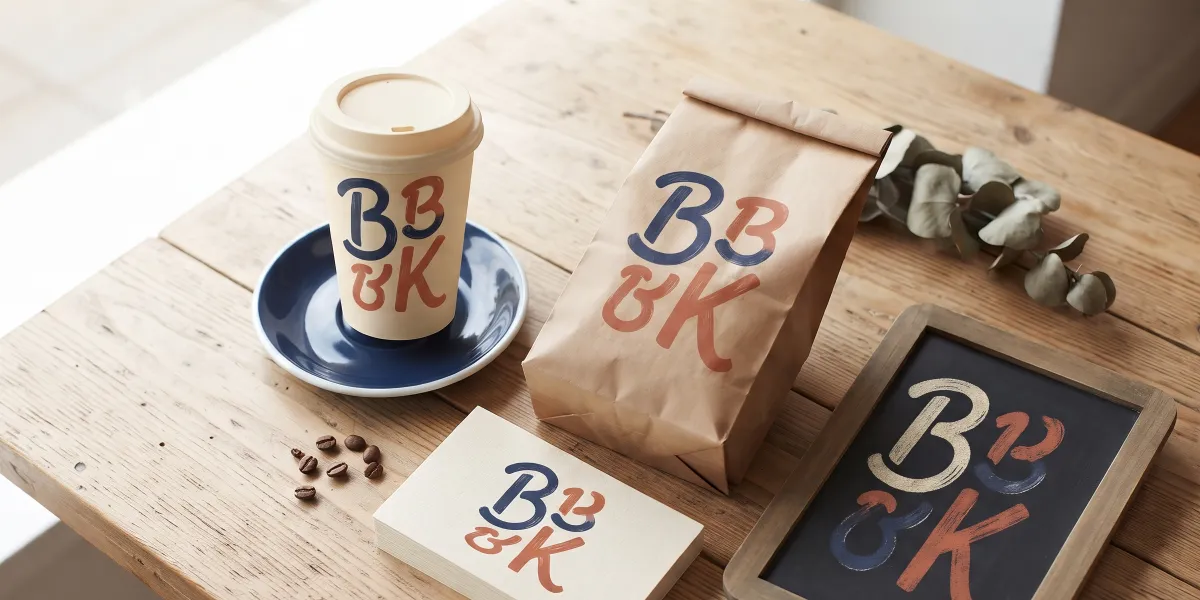
If you already have lettering you like, such as your logo, a shop sign, a poster or a book cover, upload a picture of it to make a custom font from it. The maker reads the stroke weight, contrast, serifs, slant and corners and draws the full alphabet in that style, including letters the image does not show. This is how brands turn a five-letter wordmark into a custom font for menus, packaging and social posts. For the best custom font, use a sharp image with large letters on a plain background and at least five or six different letters. The result is a new font drawn in that style, not a copy of an existing typeface file, so only upload lettering you own or have the right to use. See font from image for which pictures work best.
Method 4: draw a custom font in a font editor
The traditional way to make a custom font is to draw each glyph as vector outlines in a font editor. FontForge is free and open source; Glyphs (Mac) and FontLab are the professional tools; Illustrator with a font plugin suits designers who already work there. You sketch the key letters (n, o, H, O set the proportions), draw every character, set side bearings and kerning, name the font and export TTF or OTF. This way of making a custom font gives you total control over every curve, but expect days for a simple display font and weeks or months for a text family with several weights. It is the right method for a typeface you plan to sell, and overkill for a font you need this week.
Which way to make a custom font should you choose?
Choose how to make a custom font by what you start with and how much control you need. An idea and no reference: describe it, first font in minutes. Your handwriting: the photo for a quick font in your style, the template for an exact copy. A logo or sign: upload it. A typeface you want to perfect and sell: a font editor. Time to a first custom font is 1–3 minutes with an AI maker, 15–30 minutes with a handwriting template, and days to weeks in an editor. Cost ranges from free previews and a $9.99 download pack to free open-source editors that cost you time, or several hundred dollars for professional software.
Plan your custom font before you start
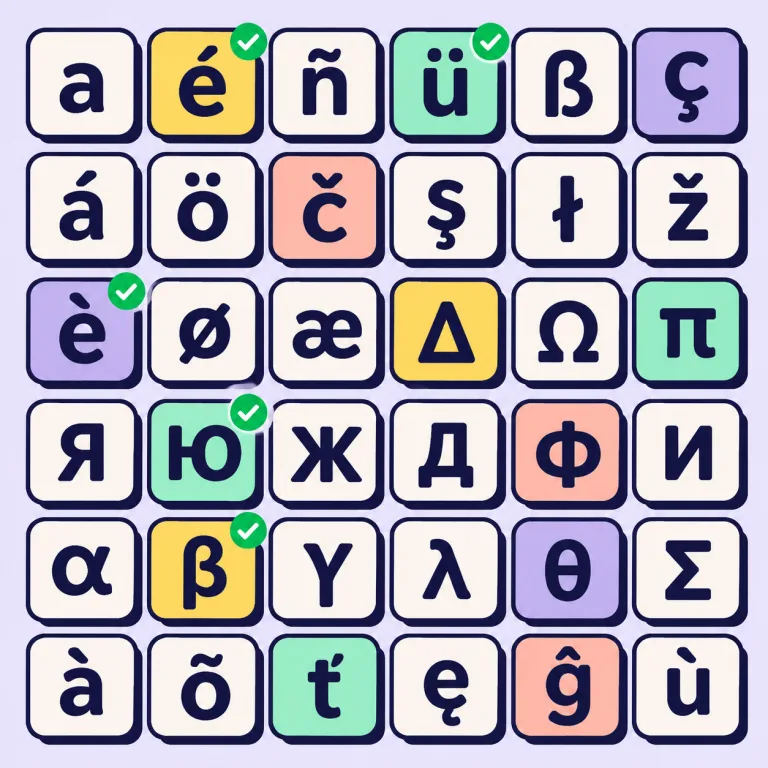
Decide four things before you make a custom font. Style: the stroke shape, the weight and the mood, for example "high-contrast serif, elegant, 1920s". Characters: an English font needs about 95 basic characters, and a usable one closer to 130 with curly quotes, dashes and symbols such as € and ©. Languages: every accented letter is one more glyph to draw, which is why makers that build accents automatically save hours. Weight: one custom font file is one weight, so a regular and a bold are two custom fonts. Write these down; they become your description, and they keep a hand-drawn project from growing halfway through.
Spacing, kerning and testing your custom font
Letters that look great alone can still make ugly words, which is the most common custom font mistake. Spacing is the room on each side of a letter; kerning fixes specific pairs such as AV, To, LT and Ty that sit too far apart. Test your custom font on real text, not just the alphabet: a pangram ("The quick brown fox jumps over the lazy dog"), your own name, numbers like 1,234.50, and a full paragraph at small size. Across the custom font, look for letters that seem darker, lighter, taller or wider than their neighbours. In an editor you fix those by hand; FontQuill measures every pair and sets kerning automatically, and you can redraw any single letter that stands out.
Install, use and license your custom font
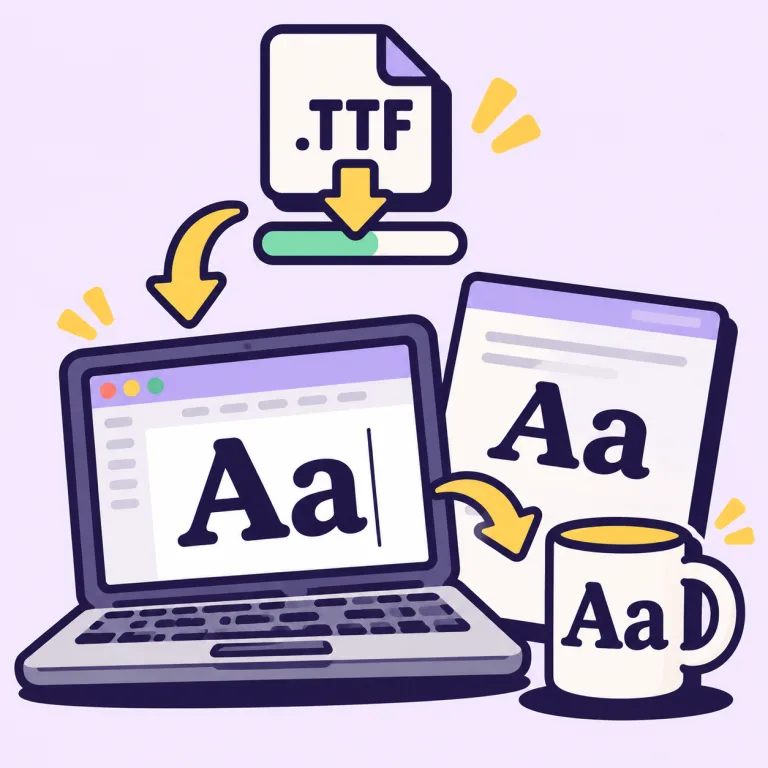
Install your custom font TTF by double-clicking it and choosing Install on Windows or Install Font on Mac, then restart open apps. It works in Word, Pages, Photoshop, Illustrator, Figma desktop, Cricut Design Space, Procreate and Goodnotes; Canva needs Pro to upload fonts, and Google Docs cannot load font files at all. For a website, load the custom font from the WOFF2 file with @font-face. A custom font you draw yourself is yours. With FontQuill, fonts downloaded on Pro, Studio or with a credit pack can be used commercially, for logos, products and client work; Starter covers personal use. Our guide on how to install a font covers Mac, Windows, Canva and phones.
How long does it take to make a custom font?
1–3 minutes to make a custom font with an AI font maker, about 15–30 minutes with a handwriting template, and days to weeks if you draw every letter in a font editor.
Can I make a custom font for free?
Yes. FontForge is free if you draw the custom font yourself. With FontQuill, the 150 credits you get on sign-up make and preview a full English font; downloading the files needs a plan or a pack, from $9.99.
Do I need Illustrator or a drawing tablet?
No. To make a custom font here, describe it, upload an image, or photograph handwriting on paper. Vector software is only needed if you want to draw each letter yourself.
Can I make a custom font on my phone or iPad?
Yes. The FontQuill custom font maker runs in the browser, and you can photograph your handwriting or a filled-in template with your phone. Install the finished TTF on iPhone or iPad with a font manager app.
What file format should a custom font be?
A custom font should be TTF or OTF for computers and apps, WOFF2 for websites. Install one of TTF or OTF, not both.
Can I sell things made with my custom font?
A custom font you draw yourself is yours. FontQuill fonts downloaded on Pro, Studio or with a credit pack include commercial use; Starter is for personal use.
Can a custom font include accents, Cyrillic or Greek?
Yes. Tick the languages before you make the custom font; 27 are supported, and accented letters are drawn in the same style. Chinese, Japanese, Korean and Arabic are not supported.
How do I make a bold version of my custom font?
Each custom font file is one weight. Make a second custom font from the same description with "bold" or "heavy" added, and give it a matching name.